 Voice Journal
Say it.
Keep it.
Tap record, say what's on your mind, and it's saved, dated and ready to play back whenever you need it. No typing, no blank page, no account.
A journal that
listens.
Some days you don't want to write. Voice Journal lets you just talk, and keeps every word exactly how you said it.
One tap to start.
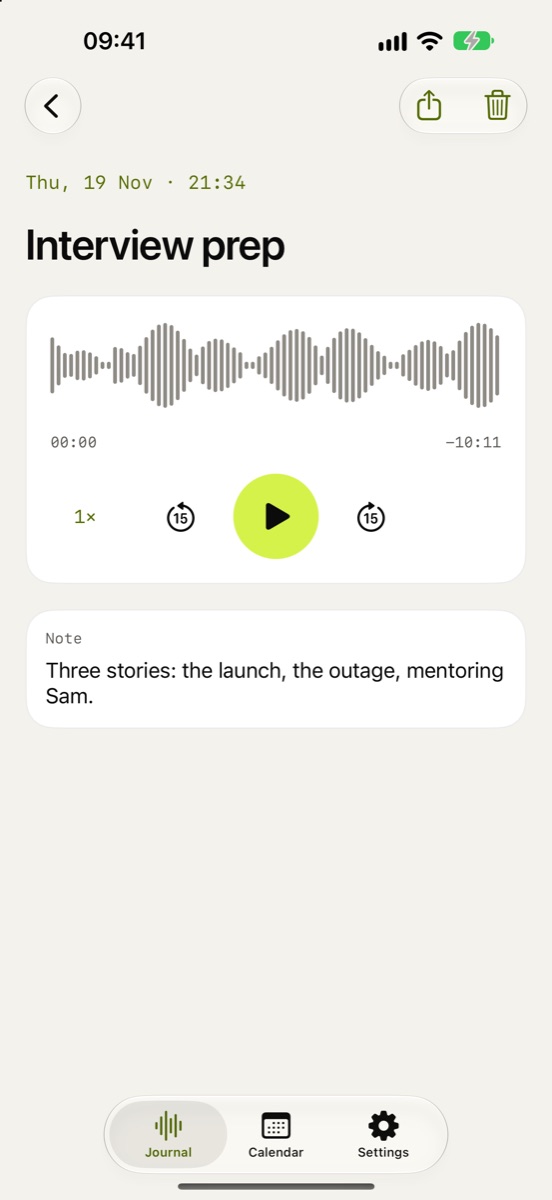
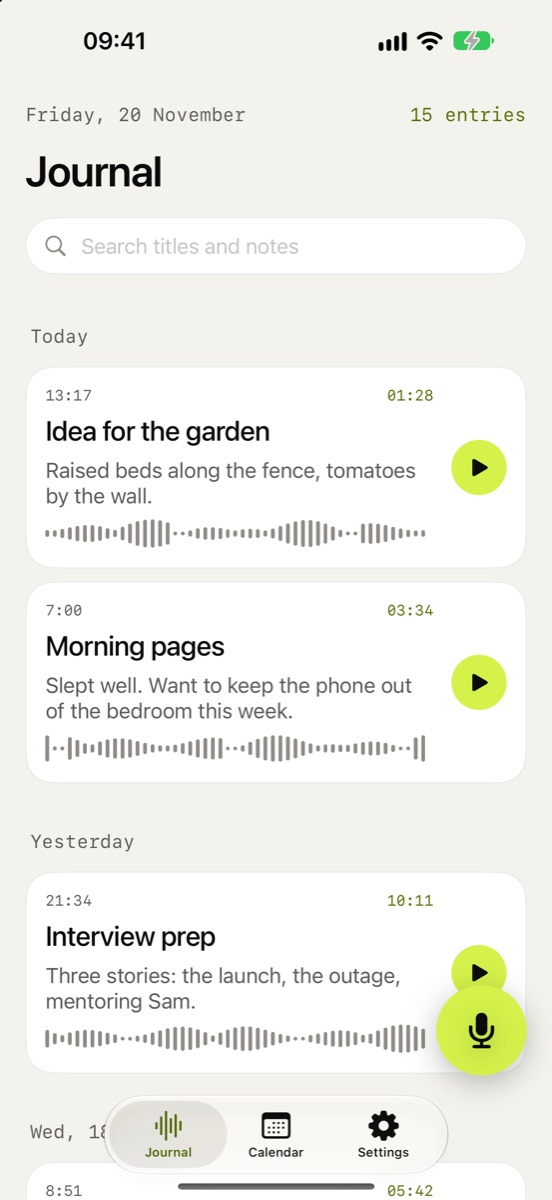
Hit the lime button and speak. Your journal fills up day by day, each entry with its own waveform.
- Pause and resume, up to 30 minutes per entry
- Keeps recording when your phone locks
- Add a title and a short note, or don't
Play it back your way.
Hear yourself from last week, last month, last year. Scrub the waveform to find the moment you want.
- Skip back or forward 15 seconds
- Listen at 1×, 1.5× or 2×
- Share or export any entry as an audio file
Every day, at a glance.
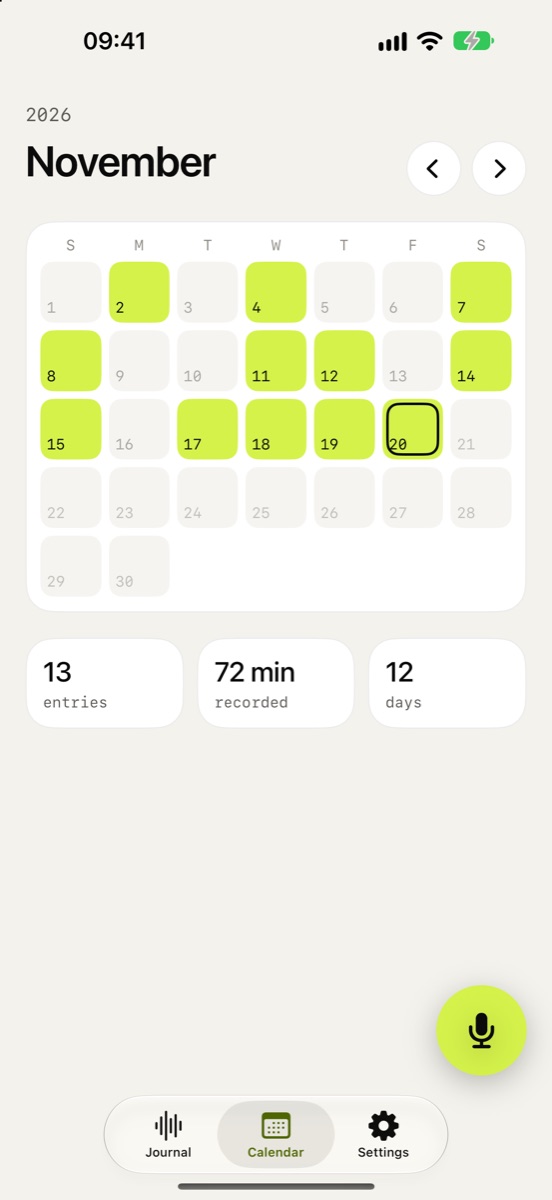
The calendar lights up every day you showed up. Tap a day to hear it again, or search your titles and notes.
- See your entries, minutes and days journaled
- Optional daily reminder at the time you pick
Private by default.
Your journal is yours. There are no accounts and no servers: recordings stay on your device and in your own private iCloud.
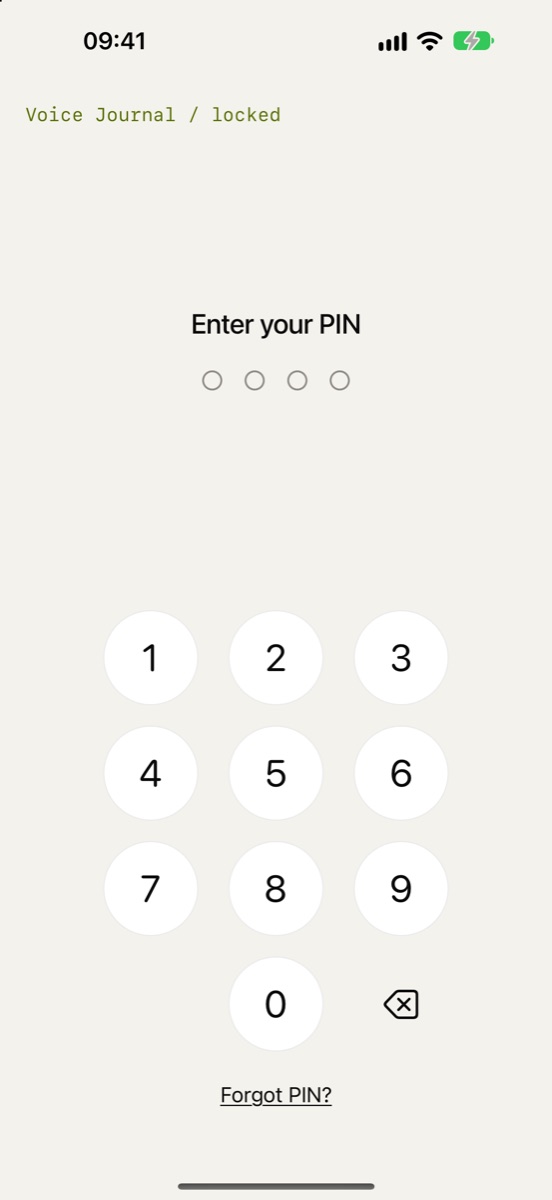
- Lock with Face ID or a 4-digit PIN
- No analytics, no ads, no tracking
- Works fully offline
Your voice never
leaves your devices.
Nothing is sent to us. No transcription service, no cloud of our own. Entries sync between your iPhone and iPad through your private iCloud, which only your Apple Account can read.
Simple on purpose.
Live waveform
See your voice as you speak, with pause and resume.
iCloud sync
Your iPhone and iPad stay in step, privately.
Face ID or PIN
Lock the journal whenever you leave the app.
Daily reminder
A gentle nudge at the time you choose. Optional.
Search
Find any entry by its title or note.
Export & share
Send any recording as an audio file.
One price.
Yours to keep.
No subscription and no trial clock. Unlock Voice Journal once and every feature is yours, including future updates.
Everything in Voice Journal for your Apple Account, on all your iPhones and iPads.
The same, shared with your family through Apple Family Sharing.
US prices shown. The App Store shows the price for your country. Purchases can be restored on any device signed in to the same Apple Account.
Good to know.
Do I need an account?
No. There's nothing to sign up for. Voice Journal uses your Apple Account for purchases and your private iCloud for sync, and that's it.
Can you hear my recordings?
No. We don't run servers that receive your recordings, and the app has no analytics or advertising SDKs. Your entries live on your device and, if sync is on, in your private iCloud database.
I used Voice Journal before version 2. What happens to my entries?
Recordings saved on your device move over automatically the first time you open version 2. If you had recordings or a past subscription, you keep full access without buying again.
Does it transcribe my voice?
No. Version 2 removed transcription and summaries so your voice never leaves your devices. Add a short note to any entry if you want something searchable.
What if I forget my PIN?
Tap "Forgot PIN?" on the lock screen and confirm with your iPhone's passcode or Face ID to get back in.
Does it work on iPad?
Yes. One purchase covers iPhone and iPad, and entries sync between them through iCloud.
More answers on the support page.